
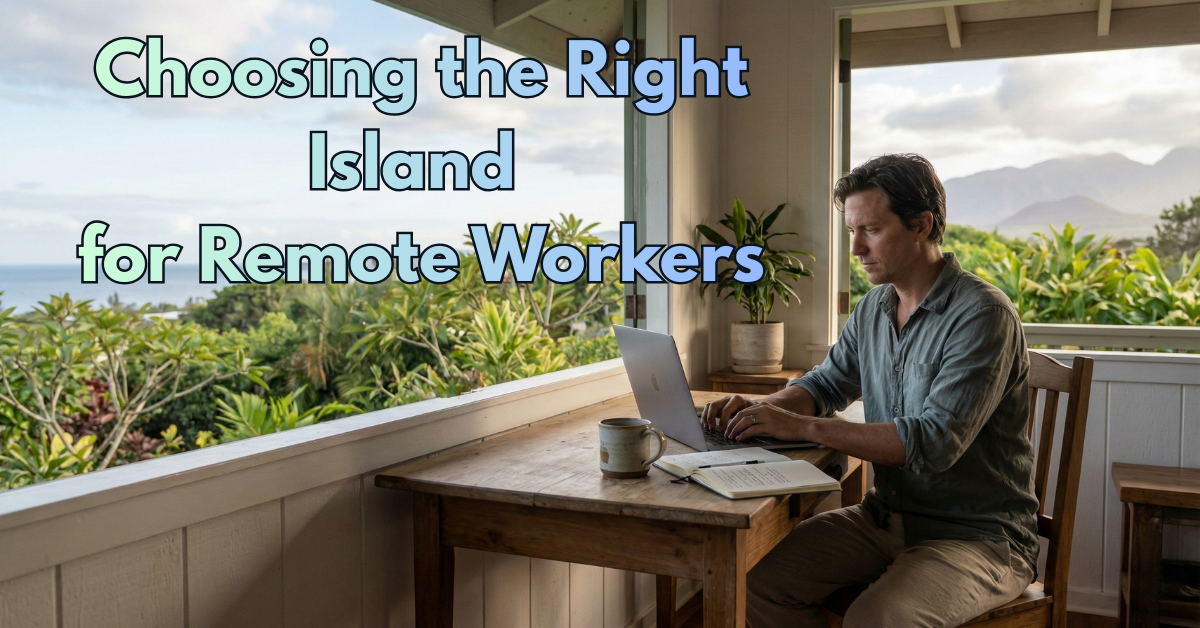
Choosing the Right Island for Remote Workers in 2026: Internet, Housing, and Lifestyle
If you’re working remotely and thinking about moving to Hawaii in 2026, you’re already asking the right question.
Not “Should we move to Hawaii?”
But “Which island actually fits the way we live and work?”
Because here’s the part people don’t fully appreciate until they’re here: the islands are not interchangeable. Remote work changes the equation, too. The things that matter most are not always the obvious stuff like beaches and views.
It’s the daily-life details:
-
Can you reliably take calls without lag or dropouts?
-
Do you have a quiet, workable home setup without paying luxury prices?
-
Can you enjoy Hawaii without feeling stuck, broke, or isolated?
Let’s break it down island by island, with a realistic look at internet, housing, and lifestyle, plus a simple way to demo internet speed before you commit.
The remote work “big three” in Hawaii

Before we compare islands, you’ll make better decisions if you keep these three priorities in the front of your mind.
1) Internet and reliability, not just speed
In Hawaii, internet can be great on one street and annoying two neighborhoods over. It’s not only about the plan you buy. It’s about the provider options at your exact address, the building wiring, and how stable service is during weather and power events.
If your income depends on Zoom calls, uploads, VPN access, or being “always on,” reliability and backup plans matter as much as raw download speed.
2) Housing cost and availability
Housing is the pressure point everywhere in Hawaii, but it shows up differently on each island. Some places have more rentals but higher rent. Other places have slightly lower prices but fewer options, and the good ones get picked up fast.
Remote workers often get surprised by this part:
You can afford Hawaii on paper, but still struggle to find the right place to live in the right area.
3) Your day-to-day lifestyle fit
Do you want city energy and convenience?
Or quiet space and nature?
Do you need lots of restaurants, gyms, and activities?
Or do you want a slower rhythm and fewer crowds?
Hawaii can feel like paradise or feel small and limiting, depending on your personality and what you need around you.
Quick island cheat sheet for remote workers
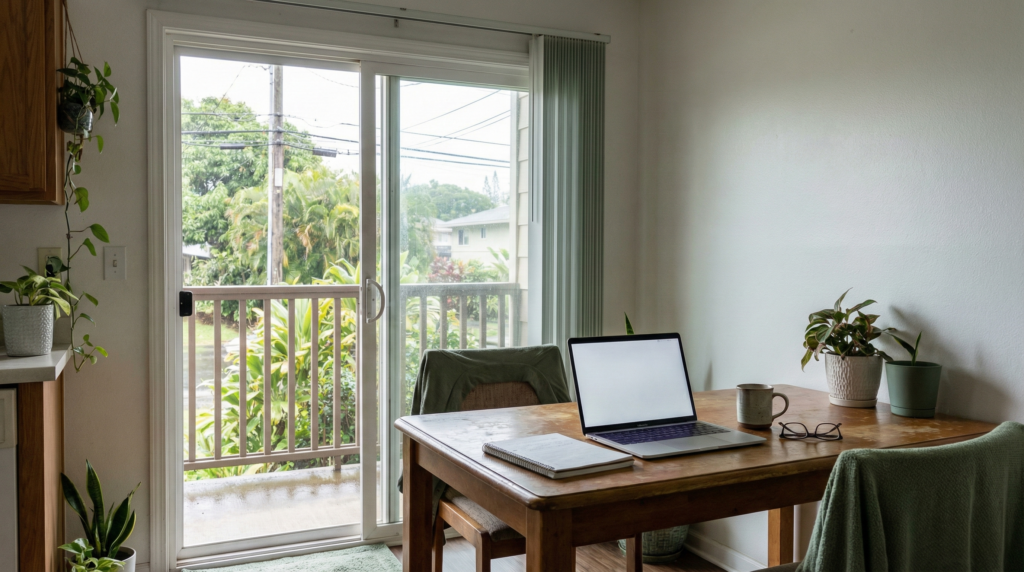
If you just want the fast version first:
-
Oahu: Most convenient, most “plugged in,” best overall for stable work routines
-
Maui: Beautiful, calmer, pricier, great if you can afford it and love a slower pace
-
Big Island: Most space, more value in housing, more variety, but you need to pick your area carefully
-
Kauai: Stunning and peaceful, but limited housing and fewer “backups” if things break
Now let’s go deeper.
Oahu for remote work: the easiest transition
If you want the smoothest landing into Hawaii while keeping your remote work life stable, Oahu is usually the safest bet.
Internet
Oahu tends to be the most consistent for internet options, especially in and around Honolulu, and it often has the best mix of provider availability and infrastructure. That doesn’t mean every building is perfect, but if you value reliability, Oahu gives you the most “plan B” options.
Housing
Oahu has the most housing inventory, which is helpful, but it’s still expensive and competitive. You’ll find more apartments and condos than single-family rentals, and parking can be a real factor depending on neighborhood.
A practical reality: if you want a dedicated office space at home, you’ll either pay for it or compromise on location.
Lifestyle
Oahu is the most city-like experience in Hawaii, with the best variety of dining, shopping, healthcare, and everyday services. It’s also the easiest island to build routines on.
If you want:
-
fitness options
-
coworking spaces
-
quick errands
-
lots of food choices
-
more social opportunities
Oahu makes that easier.
Best fit for:
-
professionals who need stability and convenience
-
people who like a little energy around them
-
remote workers who can’t tolerate frequent “small island friction”
Tradeoff:
-
traffic and crowds exist
-
you may not get the quiet, secluded Hawaii vibe unless you choose areas that match it
Maui for remote work: calm, beautiful, and expensive
Maui is the island people picture when they imagine waking up near the ocean and working with a coffee in hand.
And you can absolutely do that here, as long as the budget and housing search don’t crush the dream.
Internet
Maui can be solid, but the key is to verify service at the exact property you’re considering. Some areas feel “modern and smooth,” and other areas can be more limited.
If your work involves constant video calls or large uploads, you want to validate the address, not the town name.
Housing
Maui is one of the toughest islands for housing costs relative to what you get. Rentals can be expensive, and the right places go quickly.
Remote workers often do well here if they:
-
already have strong income
-
are comfortable paying more for a smaller space
-
are willing to be flexible on neighborhoods
Lifestyle
Maui is slower than Oahu, but it still has enough going on that you won’t feel totally cut off. The lifestyle is outdoorsy, scenic, and more relaxed.
Best fit for:
-
couples or families who want a calmer pace
-
people who value scenery and ocean time more than city convenience
-
remote workers with higher budgets who do not mind fewer “backup options”
Tradeoff:
-
housing can feel like a constant squeeze
-
fewer options if your favorite gym closes or your favorite cafe is packed
-
it can feel quiet in a good way, or quiet in a “where is everyone?” way
Big Island for remote work: space, variety, and choosing your area wisely
The Big Island is the one that surprises people, in a good way, when it matches their personality.
It’s bigger, more varied, and it offers more space than most people expect. It can also be a little more “DIY” in day-to-day life depending on where you live.
Internet
This is where you really want to be intentional.
The Big Island has areas where internet is totally workable for remote life, and areas where it can feel like you’re far more rural than you expected. The island is large, and infrastructure varies.
If remote work is your non-negotiable, do not commit to a rental without verifying the address and doing your own speed testing plan.
Housing
Compared to Oahu and Maui, you can often find more space for your money, especially if you’re open to living outside the most in-demand pockets.
Many remote workers love the Big Island because they can afford:
-
a dedicated office room
-
a yard
-
more square footage
-
a quieter neighborhood feel
Lifestyle
This is the island for people who want:
-
nature
-
variety of landscapes
-
a slower pace
-
room to breathe
It can also feel like a big adjustment if you’re used to having every store and service five minutes away.
Best fit for:
-
remote workers who want space and quiet
-
people who are okay with a more laid-back pace
-
anyone who prefers nature over nightlife
Tradeoff:
-
your exact town matters a lot
-
convenience can be limited depending on where you live
-
you need to be comfortable planning ahead a little more
Kauai for remote work: stunning, peaceful, and limited inventory
Kauai is gorgeous. It’s also the island where remote workers most often say, “We love it, but it’s not as easy as we thought.”
Internet
Kauai can be fine for remote work, but the same rule applies even more strongly: verify service at the address. There are fewer total options, and fewer fallbacks if something is off.
Housing
Housing is the biggest constraint. Inventory is limited, prices can be high, and finding the right place can take time.
If you’re moving to Kauai, your best strategy is usually:
-
plan ahead
-
be flexible
-
be patient
-
avoid forcing a timeline that makes you overpay for the wrong fit
Lifestyle
Kauai is slower and quieter. For the right person, it’s perfect. For others, it starts to feel too small after the honeymoon phase.
Best fit for:
-
people who want peace and nature
-
remote workers who don’t need constant “city amenities”
-
anyone who genuinely enjoys a simpler routine
Tradeoff:
-
fewer conveniences
-
fewer housing choices
-
fewer “backup solutions” when life throws a curveball
What about Lanai and Molokai?
These can be incredible places, but for most remote workers, they’re not the easiest starting point.
If you already have strong ties, a clear plan, and you know exactly what you’re getting into, it can work.
But if you’re moving to Hawaii and trying to reduce risk, start with Oahu, Maui, Big Island, or Kauai first.
The internet speed demo plan: what to test before you rent or buy
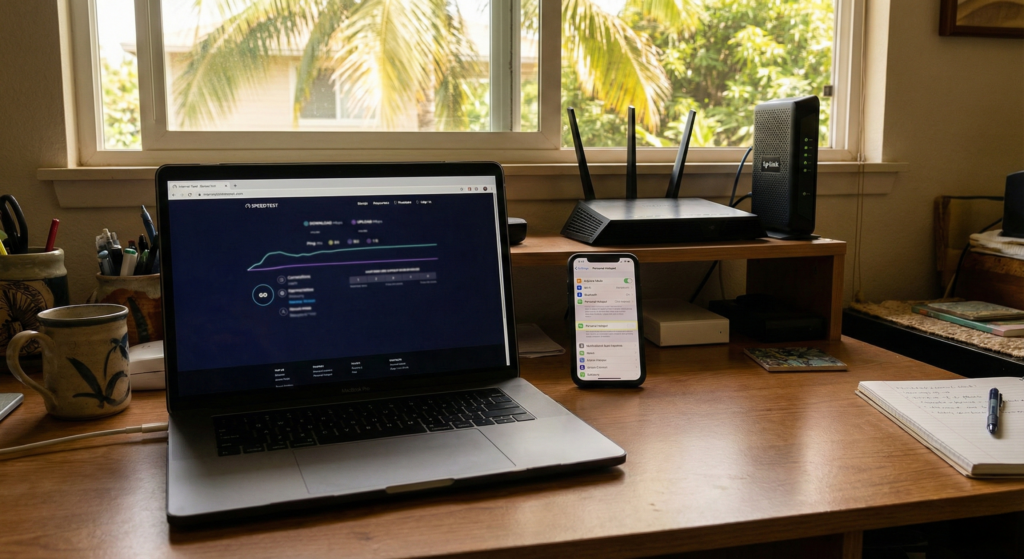
If you only take one thing from this post, let it be this:
Do not assume internet will be fine because the listing says “high speed internet.”
Here’s a simple, real-world testing plan you can run.
Step 1: Ask the right questions before you even tour
Ask the property manager or owner:
-
Who is the internet provider at this address?
-
What plan is currently installed?
-
Is it cable, fiber, fixed wireless, or something else?
-
Where is the router located and can it be moved?
-
Has anyone worked remote from this home successfully?
If they can’t answer basic questions, treat it as a yellow flag and plan to test aggressively.
Step 2: Run a speed test on-site from multiple rooms
When you tour:
-
Connect to the Wi-Fi
-
Run tests from the room where you would work
-
Run it again from the living room
-
If there’s a detached office or ohana space, test there too
What you’re looking for is consistency, not a single lucky result.
Step 3: Test at different times of day if possible
If you can test twice, do it:
-
once in the middle of the day
-
once in the early evening
Some neighborhoods and buildings get more “congested” when everyone’s home.
Step 4: Check video call quality, not just numbers
Run a quick “real life” test:
-
join a Zoom test meeting
-
turn your camera on
-
share your screen for a minute
-
see if you get audio glitches or lag
This tells you way more than a single speed number.
Step 5: Have a backup plan before move-in day
If remote work is your income, build redundancy:
-
reliable phone hotspot option
-
consider a secondary internet option where available
-
battery backup for modem and router if power blips are common in your area
Most people don’t do this until after the first stressful outage.
How to pick the right island based on your remote work style
Here’s the simplest way I’ve seen people get this right. Match the island to your work rhythm and personality.
Choose Oahu if you want “easy mode”
You want the most infrastructure, the most services, and the least friction.
Choose Maui if you want calm beauty and can afford it
You want the lifestyle and you’re okay paying for it, including potentially smaller housing.
Choose Big Island if you want space and nature, and you’re okay being intentional
You want a slower pace and room to breathe. You also understand that town choice matters a lot.
Choose Kauai if you want peace, simplicity, and you can be patient with housing
You’re not chasing convenience. You’re chasing a feeling, and you’re okay with fewer options.
Final thought: pick the island that supports your work, not the fantasy
Hawaii can be an incredible place to live as a remote worker, but it goes best when your day-to-day setup supports your actual life.
If you want, I can help you think through it like a local would:
-
what kind of home you want
-
what your work needs are
-
what lifestyle you actually enjoy when it’s not vacation
Because the right island is the one that feels good on a random Tuesday, not just the first weekend.
More of our most recent posts:
Choosing the Right Hawaiian Island for Long-Term Living in 2026
Erick Magnuson2026-04-07T03:46:58-10:0004/07/2026|

Short-Term vs Long-Term Rentals on Kauai: What the Tax Math Actually Shows
Don Sabado2026-04-02T14:09:23-10:0004/02/2026|

The True Cost of Car Ownership in Hawaii in 2026: A Complete Guide
Erick Magnuson2026-04-07T03:41:32-10:0004/02/2026|

Leave A Comment